
7 Website Mistakes That Are Costing You Clients
Most business websites lose clients without the owner even realizing it. Here are the most common mistakes that push visitors away and how to fix them.
WEB DESIGN TIPS
Mateo Murillo
11/26/20252 min read
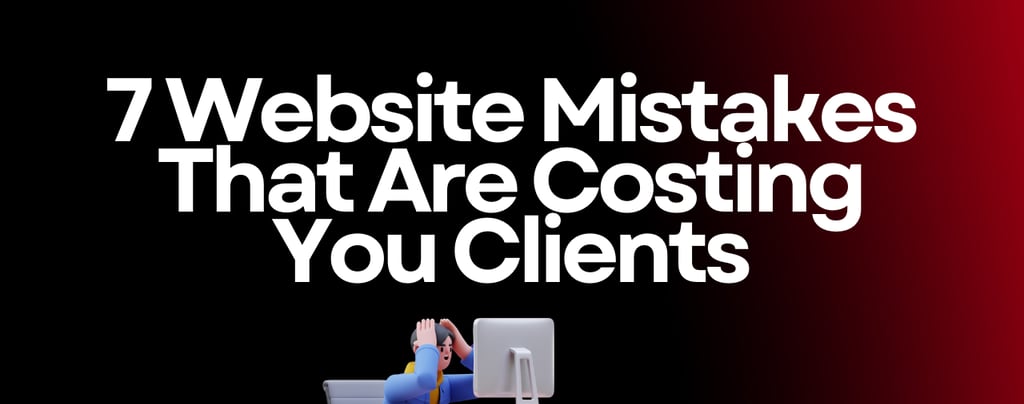

Most business owners never realize how many potential clients leave their website without taking action. They assume their site looks fine, so it should be working. The truth is that small mistakes can quietly kill your conversions.
Here are seven of the most common website issues that cause visitors to click away and how you can fix them.
1. Your Website Has No Clear Call to Action
Visitors should never have to guess what to do next.
If your call to action is missing or hidden, people leave.
Strong calls to action include:
Call now
Book an appointment
Request a quote
Start here
A clear next step can instantly increase conversions.
2. Your Website Loads Too Slow
Slow sites chase visitors away before they even see your content.
If your site takes more than a few seconds to load, you lose clients.
Slow speed usually comes from:
Large images
Cheap hosting
Too many plugins
Old code
A faster website keeps people on the page and helps you rank better on Google.
3. Your Website Isn’t Built for Mobile
Most visitors check websites from their phone.
If it looks messy or hard to use on mobile, they leave instantly.
A mobile friendly website needs:
Large buttons
Clean layout
Quick loading
Easy navigation
Click to call
Mobile usability is now a top priority for every business.
4. Your Website Doesn’t Build Trust
People hire businesses they trust.
If your site looks outdated or lacks proof, visitors feel unsure.
You can build trust by showing:
Reviews
Before and after photos
Recent projects
Clear service details
Simple pricing or starting prices
Trust is one of the biggest drivers of conversions.
5. Your Content Is Confusing or Overwhelming
If visitors feel lost or overloaded with information, they leave.
Your site should explain what you do in a simple, direct way.
Good content answers:
What you offer
Who you help
Why it matters
How to get started
Clarity always beats long descriptions.
6. You’re Not Capturing Leads
Many people visit your website without taking action, but that does not mean they are not interested.
If your site doesn’t collect their information, you lose the chance to follow up.
Lead capture tools include:
Contact forms
Booking systems
Quote forms
Chat tools
AI assistants
Your website should start the conversation for you.
7. No Follow Up After Someone Reaches Out
Even when someone fills out a form, they often get busy and forget to respond.
Without follow up, you lose them.
A strong follow up system sends:
A quick confirmation
Next steps
Friendly reminders
A simple call to action
Follow up can double your chances of closing the sale.
How Futuricore Helps You Fix These Mistakes
At Futuricore, every website is designed to turn visitors into clients with:
Fast loading pages
Clear calls to action
Mobile friendly layouts
Trust building content
Lead capture tools
A smooth booking experience
Automated follow up
Built in AI guidance
Your website becomes a complete system that works for you day and night.
© 2025 Futuricore. All rights reserved.
Transforming businesses with AI-powered web solutions
Follow Us
Navigation